Getting Started with AgentsGT
Welcome to AgentsGT! This guide will walk you through accessing your account and getting started with the platform.
Accessing AgentsGT
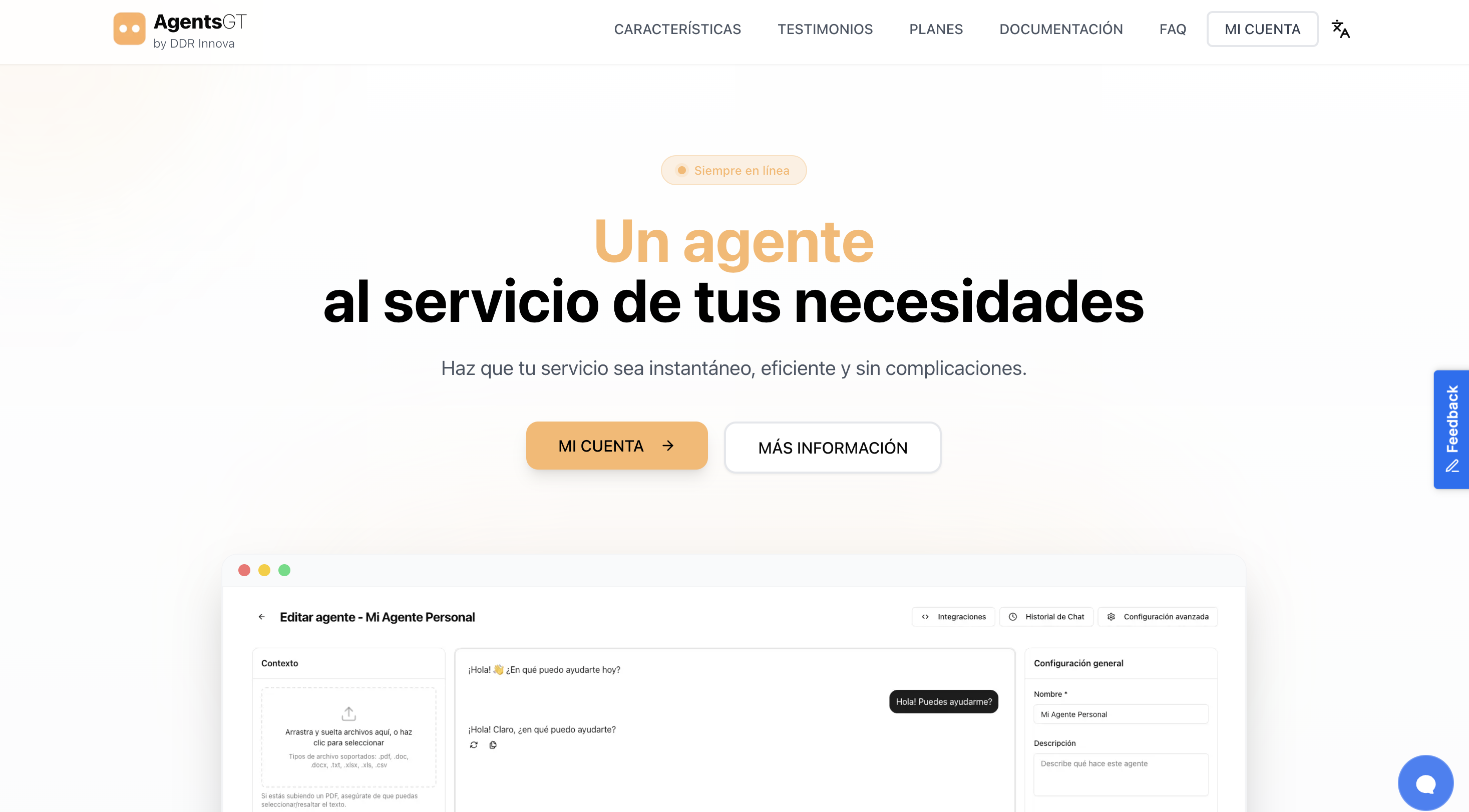
To begin using AgentsGT, navigate to the platform at https://agentsgt.com
Logging Into Your Account
Follow these simple steps to access your AgentsGT account:
Step 1: Navigate to the Login Page
From the AgentsGT homepage, locate the "LOG IN" button in the top-right corner of the navigation bar.
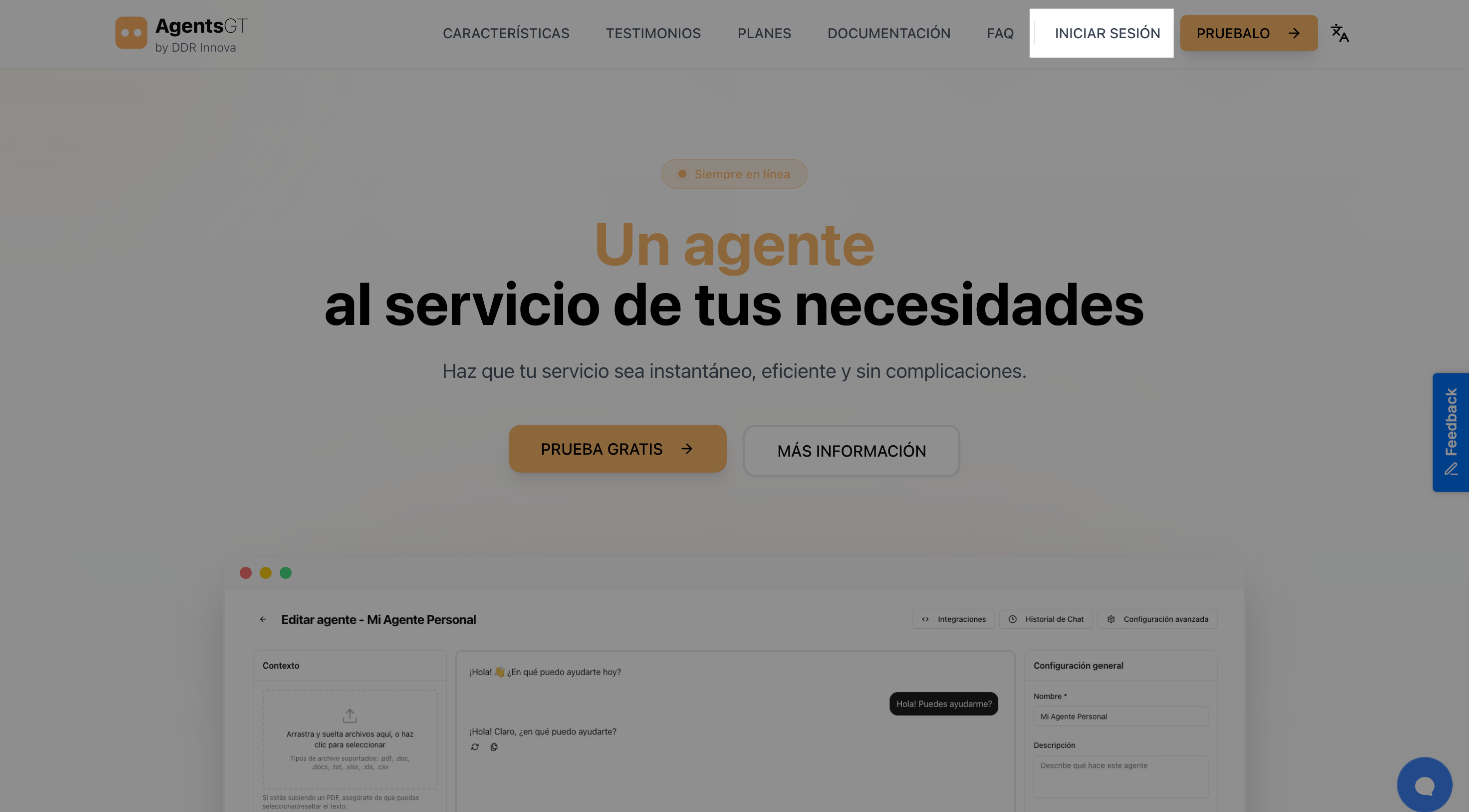
Click the "LOG IN" button to proceed to the login page.
Step 2: Enter Your Credentials
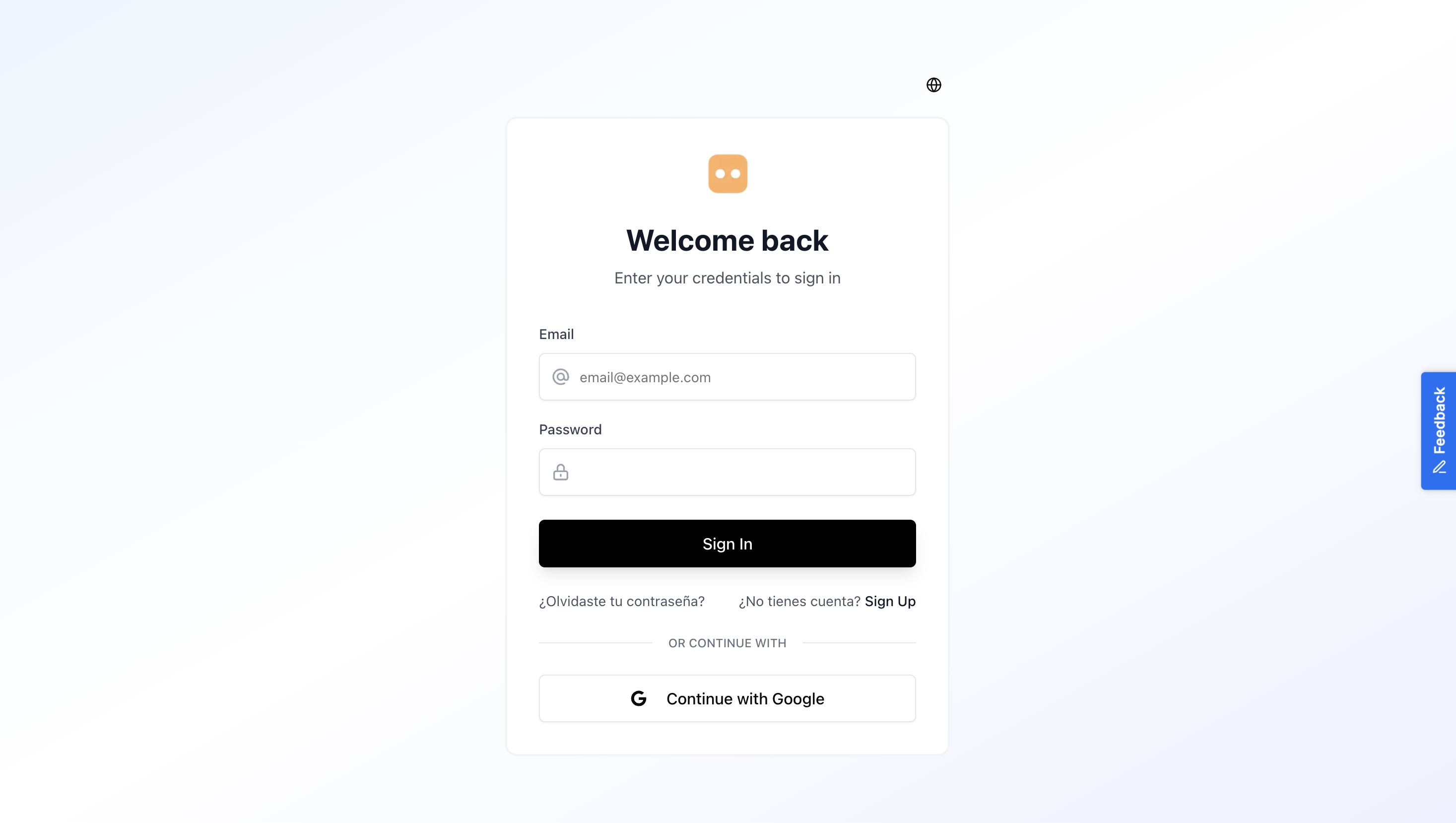
You'll be presented with the login form where you can sign in using one of two methods:
Option A: Email and Password Login
- Enter your email address in the "Email" field
- Enter your password in the "Password" field
- Click the "Sign In" button to access your account
Option B: Sign in with Google
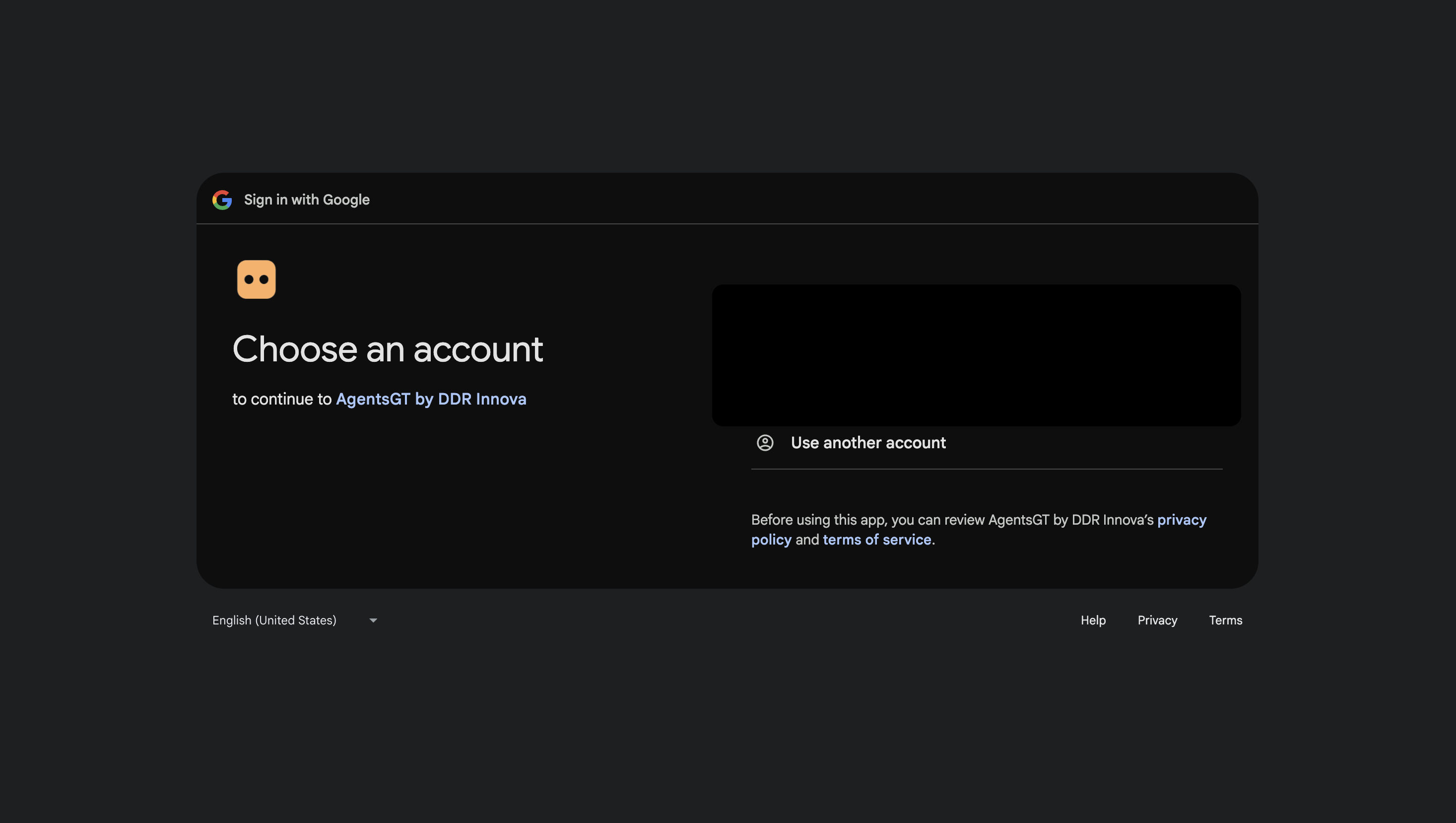
Alternatively, you can sign in using your Google account:
- Click the "Sign in with Google" button
- Select your Google account from the popup window
- Grant permissions if prompted
- You'll be automatically signed in to AgentsGT
Step 3: Access Your Dashboard
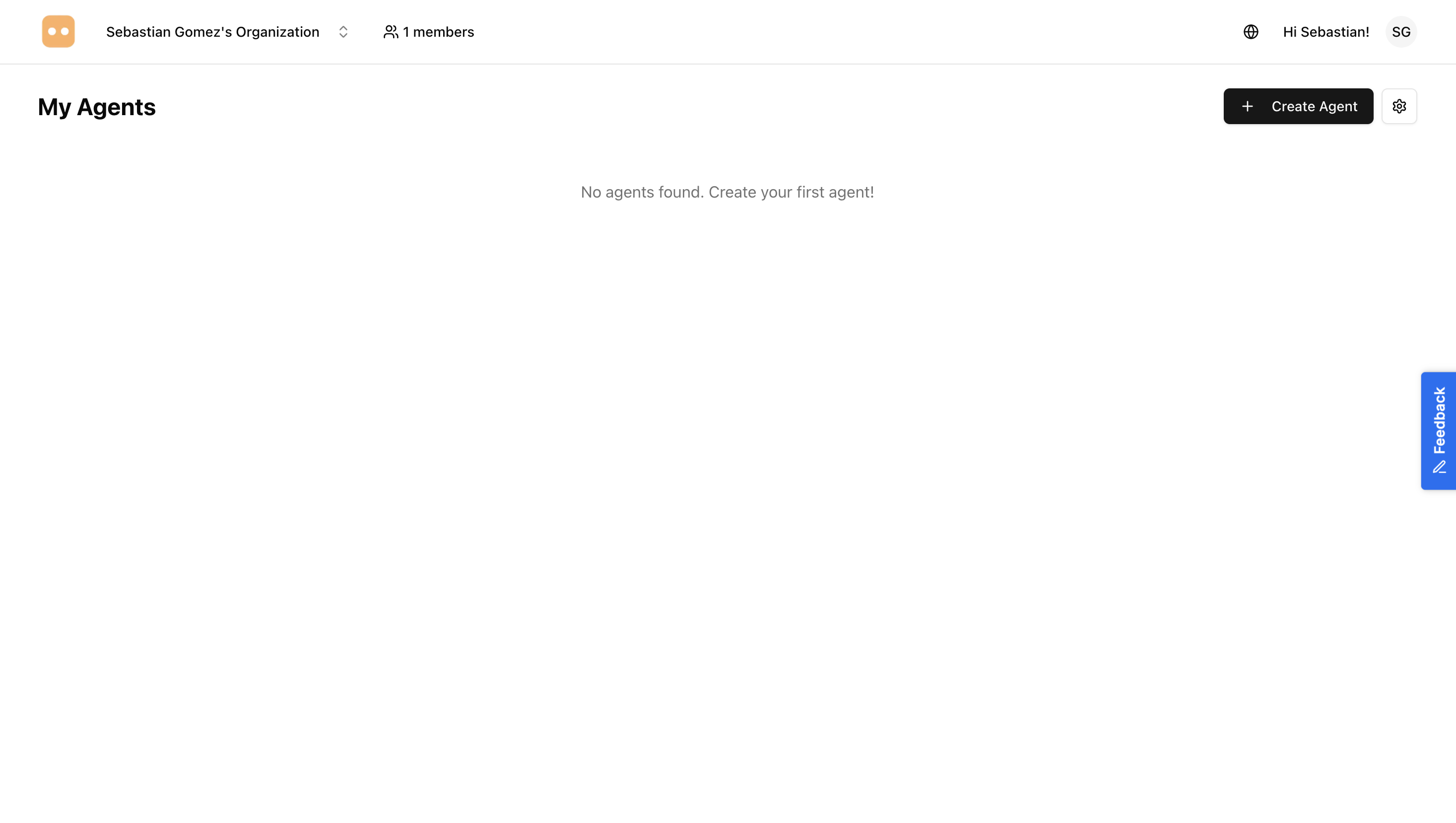
After successfully logging in, you'll be redirected to your AgentsGT dashboard. This is your central hub for managing agents, viewing analytics, and accessing all platform features.
First Time Users
Don't Have an Account Yet?
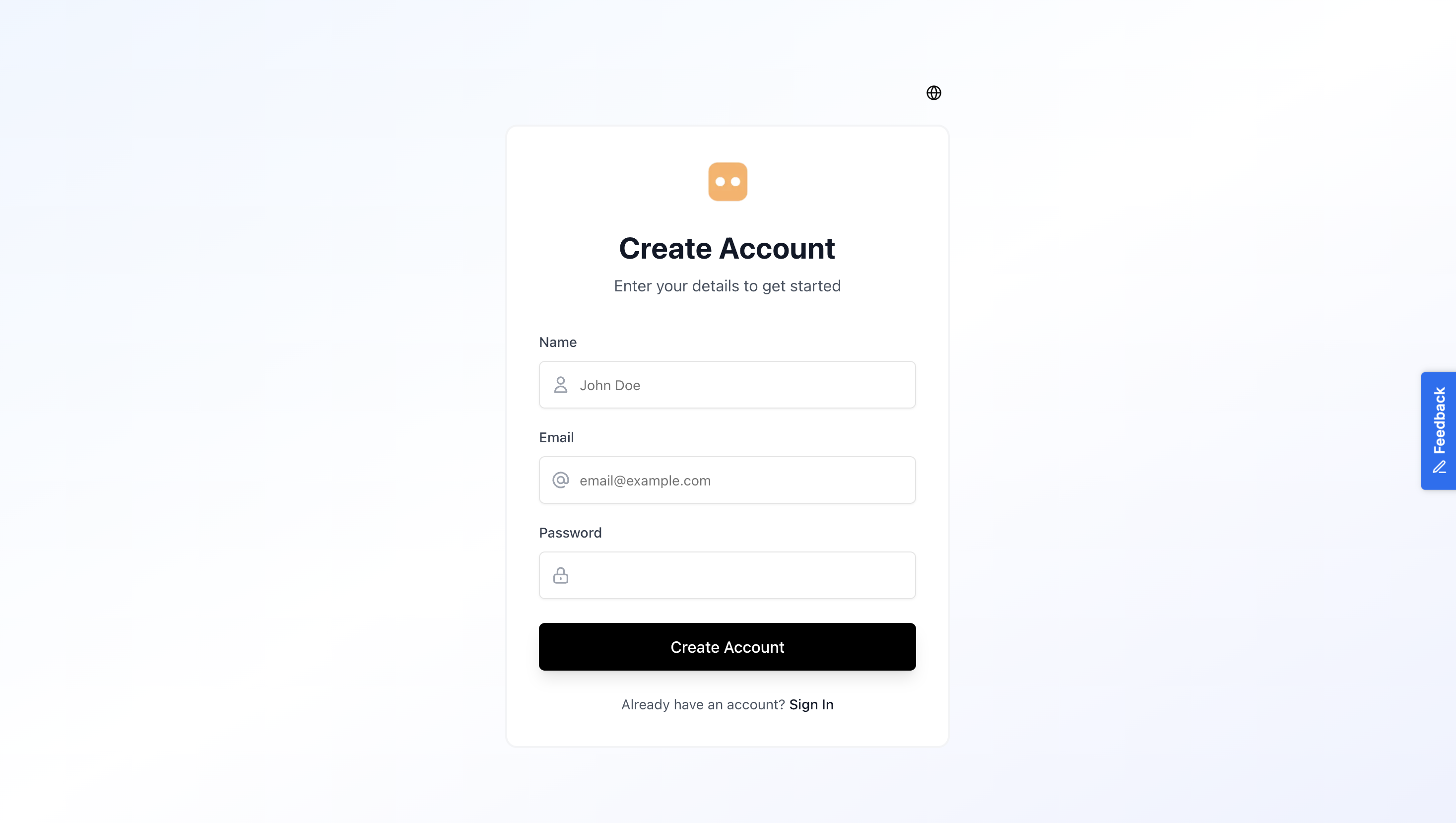
If you don't have an AgentsGT account, you can create one easily:
- From the login page, click the "Sign up" link located below the login form
- Fill in your registration details (name, email, password)
- Verify your email address by clicking the link sent to your inbox
- Complete your organization setup
- Start creating your first AI agent!
Forgot Your Password?
If you've forgotten your password:
- On the login page, click the "Forgot password?" link
- Enter your registered email address
- Check your email for the password reset link
- Click the link and create a new password
- Return to the login page and sign in with your new password

Understanding the Dashboard
Once logged in, you'll see your main dashboard with several key sections:
Navigation Bar
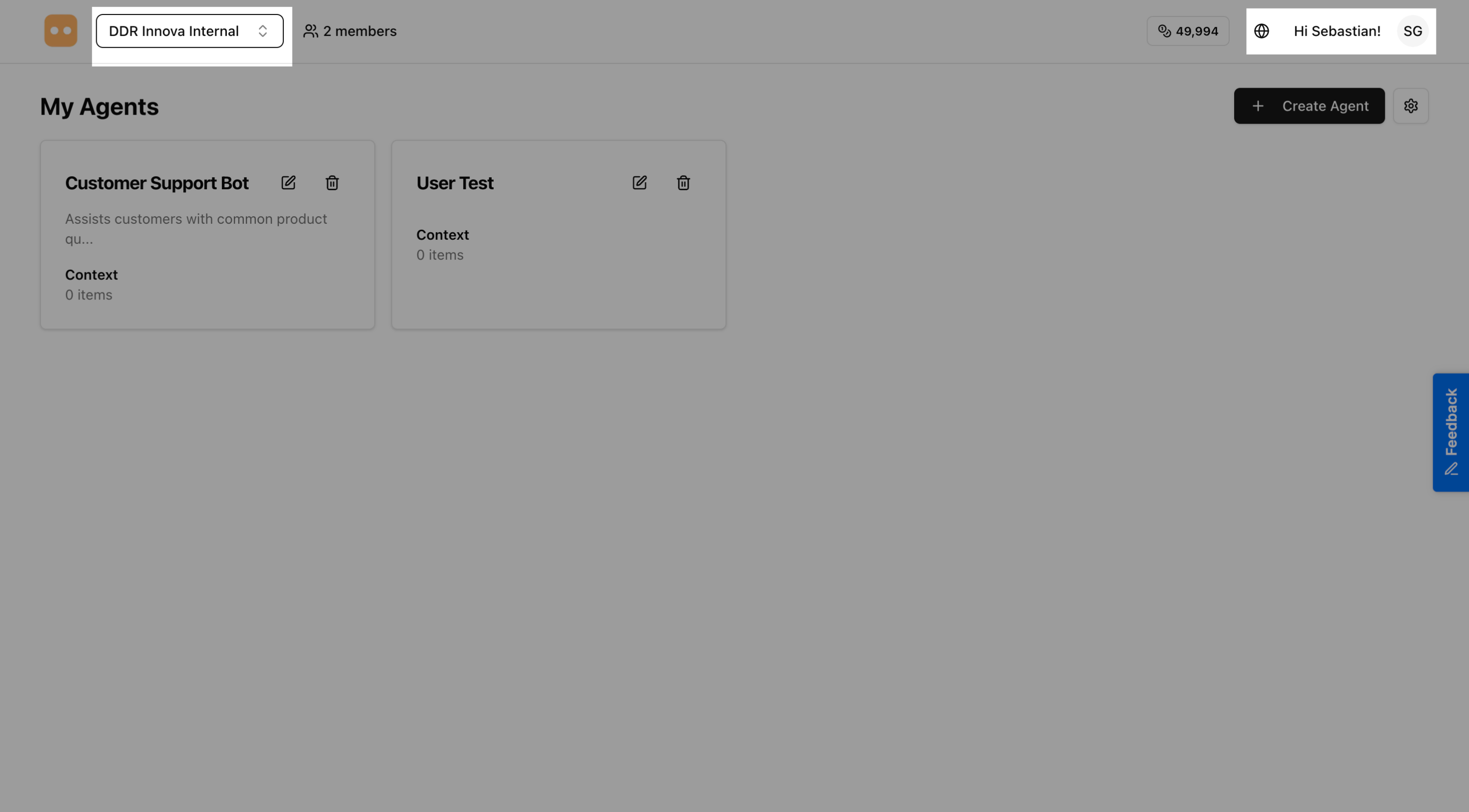
The top navigation bar provides quick access to:
- Organization selector - Switch between organizations (if you belong to multiple)
- User menu - Access account settings and logout
Main Content Area
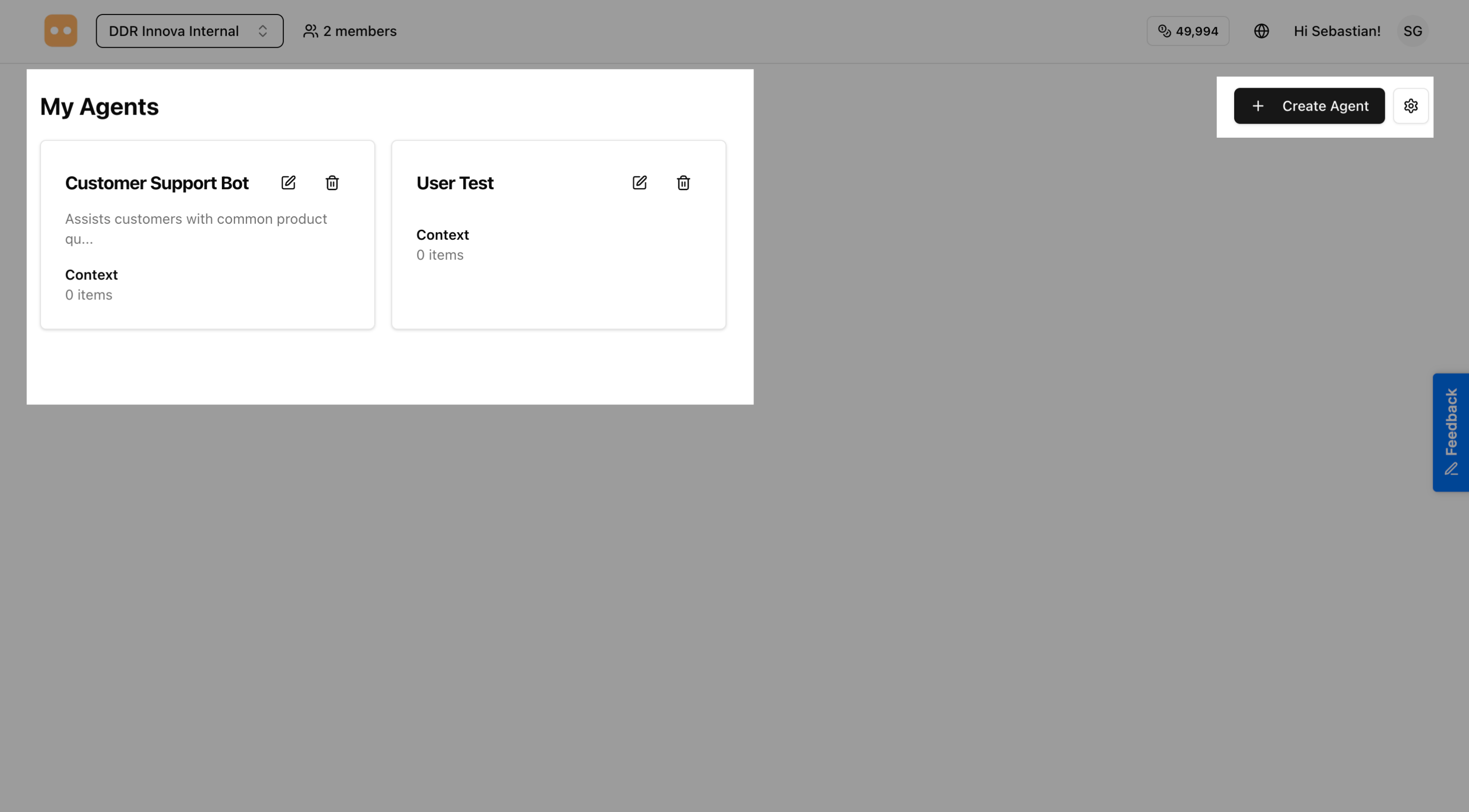
The center of the dashboard displays:
- Quick stats - Overview of your agents and usage
- Quick actions - Shortcuts to create new agents or access features
Next Steps
Now that you're logged in, you're ready to start using AgentsGT! Here are some recommended next steps:
- Create Your First Agent - Learn how to build a custom AI agent
- Deploy to Web - Add your agent to your website
- Deploy to WhatsApp - Connect your agent to WhatsApp
Need Help?
If you encounter any issues logging in or accessing your account:
- Check that you're using the correct email address
- Ensure your password is entered correctly (passwords are case-sensitive)
- Try clearing your browser cache and cookies
Ready to create your first agent? Continue to the next section to learn how to build and customize your AI agents.